Hardware & Software
Business Email and Productivity Tools
Email, calendars, file sharing and the other apps your team opens every day, set up securely and looked after once they're running.
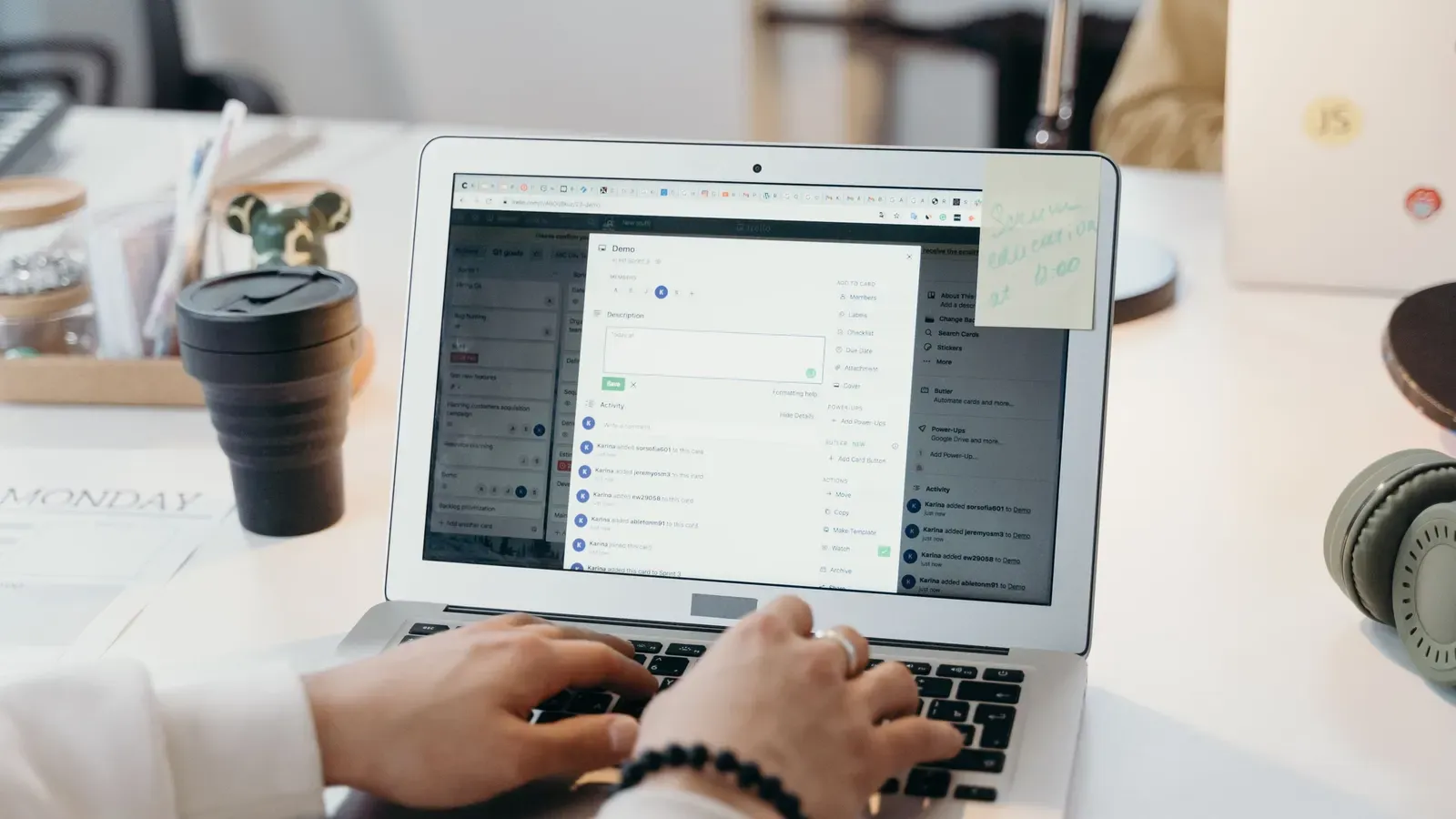
Email your team can rely on
Email is where most of your business happens, and where most scams arrive. We set up Microsoft 365 or Google Workspace properly, filter out spam and phishing, back up your mail, and help your team when something isn't working.
From setup to backups
Setup and moves
New accounts, or a careful move from your current provider without losing mail, including a move from one Microsoft 365 or Google Workspace account to another.
Spam and scam filtering
Junk and phishing stopped before it reaches inboxes, plus encryption for messages that carry sensitive information.
Archiving and backup
Mail and user accounts are backed up separately from Microsoft or Google, so you can get them back even after someone deletes them. We test the restores.
Teams, files and calendars
Sharing and collaboration tools set up the way your team works.
We support both Microsoft and Google
We're a Microsoft Partner and a Google Cloud Partner. If you're choosing, we'll help you pick the one that suits how your team works. If what you have is working, we won't push you to switch.
A good fit
Offices of any size that want email set up securely, backed up and looked after, with someone to call when it misbehaves.
Where it stops
We look after your email and the apps that come with it. Building custom workflows on top of them is a separate project, quoted before we start.
Related pages
- Managed cloud servicesMicrosoft 365, Google Workspace and cloud servers, looked after.
- Single sign-on and MFAOne secure sign-in for email and every other app.
- Managed securityThreat detection on every inbox, watched around the clock.
- Microsoft 365 for medical and dental officesThe settings a practice should check, in plain English.
- IT for medical and dental practicesEmail encryption for practices, set up with the rest of your IT.
Frequently asked questions
Can you move our existing email?
Is spam filtering included?
Can we use work email on our phones?
What if we run out of mailbox space?
Do you offer email archiving?
What should we tell you first?
Start with a free IT check-in
Tell us about your office and what you'd like sorted out. If we're not the right fit, we'll say so.